Mercedes Play App iOS: How to Install on iPhone (Web App or Alternative)
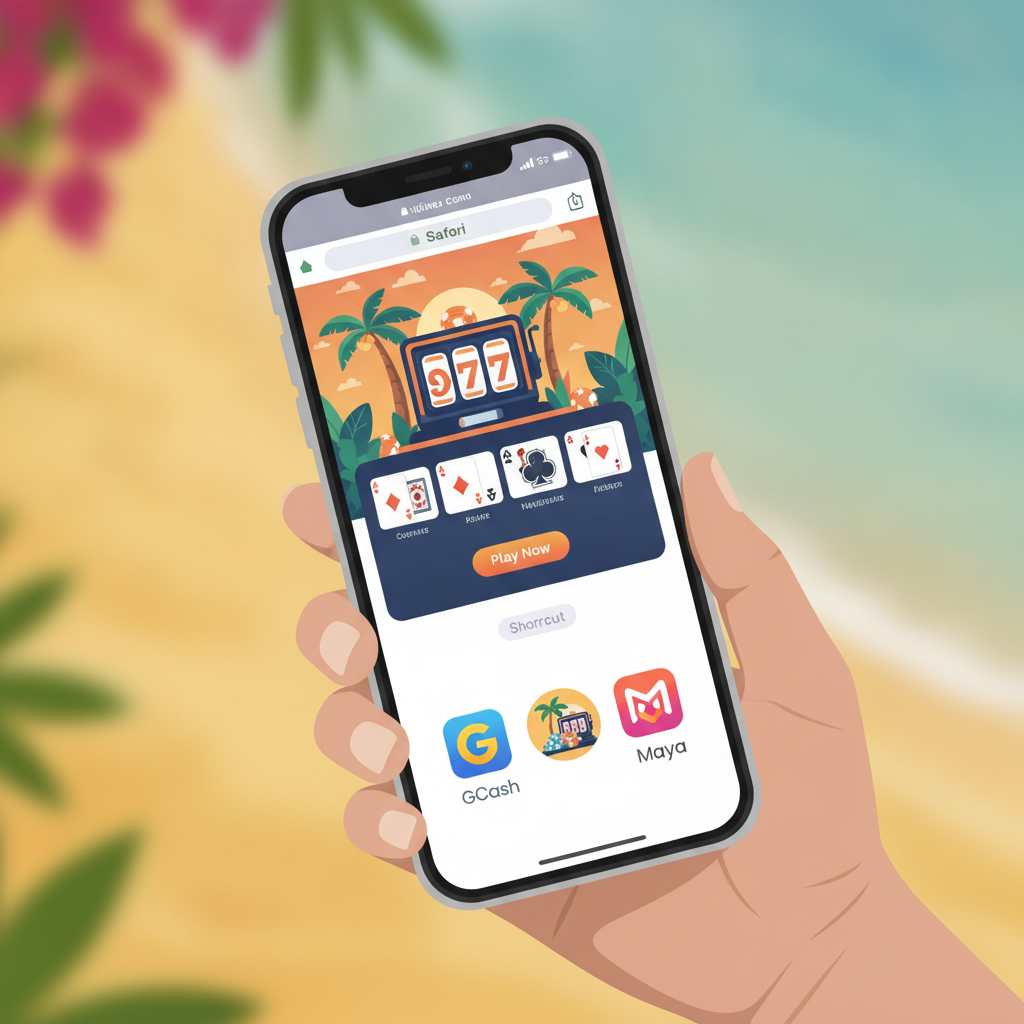
Why There May Not Be a Native iOS App and How to Use the Mobile Site
At the time of writing, Mercedes Play does not offer a dedicated iOS app in the Philippine App Store. Many online casinos and sportsbooks serving the Philippines choose not to publish native iPhone apps due to Apple's strict App Store policies around real-money gambling.
Instead, Mercedes Play provides a mobile-optimized website that works directly in Safari or other iOS browsers. The mobile site offers the same slots, live dealer tables, PBA and NBA sports betting, bingo, and account features as the desktop version—no download required.
For most Filipino players on iPhone, the mobile website is the simplest and safest option. It loads quickly on 4G or WiFi, runs on any recent iOS version, and does not require storage space or frequent updates. You access it by opening Safari and typing the Mercedes Play URL into the address bar.
If you prefer quicker access without typing the URL each time, you can add a shortcut icon to your iPhone home screen. This creates a "web app" that behaves much like a native app, launching Mercedes Play in a standalone window with one tap.
Adding the Mercedes Play Web App to Your iPhone Home Screen
Adding a home-screen shortcut turns the Mercedes Play mobile site into a web app. The process takes less than a minute:
- Open Safari on your iPhone and navigate to the Mercedes Play website.
- Tap the Share icon at the bottom of the screen (the square with an upward arrow).
- Scroll down and tap "Add to Home Screen."
- Edit the name if you wish—"Mercedes Play" is short and clear—then tap Add in the top-right corner.
A new icon will appear on your home screen. Tapping it will launch Mercedes Play in full-screen mode, without Safari's address bar or tabs, giving a cleaner, app-like experience.
This shortcut does not download or install files to your iPhone. It simply bookmarks the live website for faster access. You will still need an internet connection to play, and the platform will always reflect the latest version without manual updates.
If you ever want to remove the shortcut, press and hold the icon, tap Remove App, then Delete. This does not affect your Mercedes Play account or balance.
Browser Settings and Safari Tips for Smooth Gameplay on iOS
Safari is the default browser on iPhone and generally works well for slots, live dealer games, and sports betting. A few settings adjustments can help prevent interruptions:
Enable JavaScript and pop-ups: Mercedes Play relies on JavaScript for game loading and account features. Go to Settings > Safari and ensure JavaScript is toggled on. If you see blank screens or buttons that do not respond, check that Block Pop-ups is turned off for the Mercedes Play site—some deposit and game windows open in overlays.
Clear cache and cookies occasionally: If games load slowly or login sessions expire unexpectedly, clearing Safari's cache can help. Go to Settings > Safari > Clear History and Website Data. Note that this will log you out of all websites, so have your Mercedes Play password ready.
Disable Low Power Mode during live games: Low Power Mode reduces performance and can cause live dealer streams to stutter or disconnect. When playing live baccarat or roulette, swipe down from the top-right corner to open Control Center and turn off Low Power Mode if the battery icon is yellow.
Check your internet connection: Mercedes Play games require a stable connection. If you see buffering or errors, switch from cellular data to WiFi, or move closer to your router. For heavy sessions, WiFi is more reliable and saves mobile data.
Update iOS: Newer iOS versions include browser improvements and security patches. Go to Settings > General > Software Update to check for updates. Running an outdated iOS version can cause compatibility issues with modern web apps.
Most Filipino players report smooth performance on iPhone models from the iPhone 8 onward, running iOS 14 or later. Older devices may still work but can experience slower load times on graphics-intensive slots.
Logging In and Managing Deposits and Withdrawals on iPhone
Once you have added the Mercedes Play shortcut or opened the site in Safari, logging in and handling money works the same way as on Android or desktop.
Logging in: Tap the Login button at the top of the page. Enter your registered mobile number or username and your password. If you have enabled two-factor authentication, you will receive an SMS code—enter it to complete login. If you forget your password, tap Forgot Password and follow the SMS or email reset process.
Depositing via GCash or Maya: After logging in, tap Deposit or the wallet icon. Select GCash or Maya from the payment-method list, enter your desired deposit amount in pesos (minimum usually PHP 100), and tap Submit. You will be redirected to the GCash or Maya app or mobile site. Authorize the payment, and funds typically appear in your Mercedes Play account within one to five minutes.
Depositing via InstaPay or PESONet bank transfer: Choose Bank Transfer, select InstaPay (real-time) or PESONet (next banking day), and enter the amount. Mercedes Play will display bank account details or a QR code. Open your bank's app, send the transfer, then return to Mercedes Play and upload your proof of payment if prompted. InstaPay deposits often credit within 15–30 minutes during banking hours; PESONet can take several hours or until the next business day.
Withdrawing to GCash or Maya: Tap Withdraw, choose your e-wallet, enter the amount, and confirm your registered GCash or Maya mobile number. Mercedes Play withdrawal time varies: GCash and Maya cashouts are often processed within a few hours, though some players report waits of 12–24 hours during peak periods or if additional account verification is required.
Withdrawing to bank account: Select Bank Transfer, enter your bank account number, account name (must match your registered name), and amount. Processing times for InstaPay withdrawals are typically faster than PESONet. Always double-check account details before submitting—incorrect numbers can delay or reject your cashout.
Checking withdrawal status: If your cashout is pending, tap Transaction History or My Account to see the status. Common reasons for delays include incomplete verification documents, first-time withdrawal reviews, or high withdrawal volumes. If a cashout has been pending for more than 24 hours, contact Mercedes Play customer support through live chat or the help section.
Fees and limits: Mercedes Play generally does not charge deposit fees, but check your e-wallet or bank's fee schedule—some banks charge small InstaPay or PESONet fees. Withdrawal limits and processing times are set by the platform and may vary by payment method and account tier.
Safari on iPhone handles redirects to GCash, Maya, and bank apps smoothly. If you are returned to Mercedes Play after authorizing a payment but the balance has not updated, wait a few minutes and refresh the page or log out and back in.
21+ Only; Set Time and Spending Limits on Your Device
Mercedes Play is for players aged 21 and over only. Online gambling can be entertaining, but it carries financial risk. Before you start, set personal limits and stick to them.
Use iOS Screen Time to manage play sessions: Go to Settings > Screen Time > App Limits. Add Safari (or the Mercedes Play shortcut if you use it as a web app) and set a daily time limit—for example, one or two hours. When the limit is reached, iOS will notify you. This helps prevent long, unplanned sessions.
Set deposit limits in your e-wallet or bank app: GCash, Maya, and most Philippine banks allow you to set daily or monthly spending caps. Use these features to control how much you transfer to Mercedes Play each week or month.
Monitor your balance and transaction history: Regularly check your Mercedes Play account and e-wallet statements. If you notice you are depositing more often or in larger amounts than planned, take a break.
Take breaks and avoid chasing losses: If you lose several bets or spins in a row, step away. Gambling outcomes are unpredictable, and no strategy guarantees winnings. Set a loss limit before you play, and stop when you reach it.
Seek help if gambling feels out of control: If you find it hard to stop playing, spend more than you can afford, or gamble to escape problems, contact a responsible-gambling support service. Organizations such as the National Center for Mental Health in the Philippines offer confidential assistance.
Mercedes Play is a form of entertainment, not a way to make money. Only gamble with money you can afford to lose, and never borrow or use funds meant for bills, food, or emergencies.
This guide is for informational purposes and is not affiliated with or endorsed by Mercedes Play. Players must be 21 or older. Gamble responsibly and within your means.