Mercedes Play GCash Deposit: How to Load Your Account in Minutes
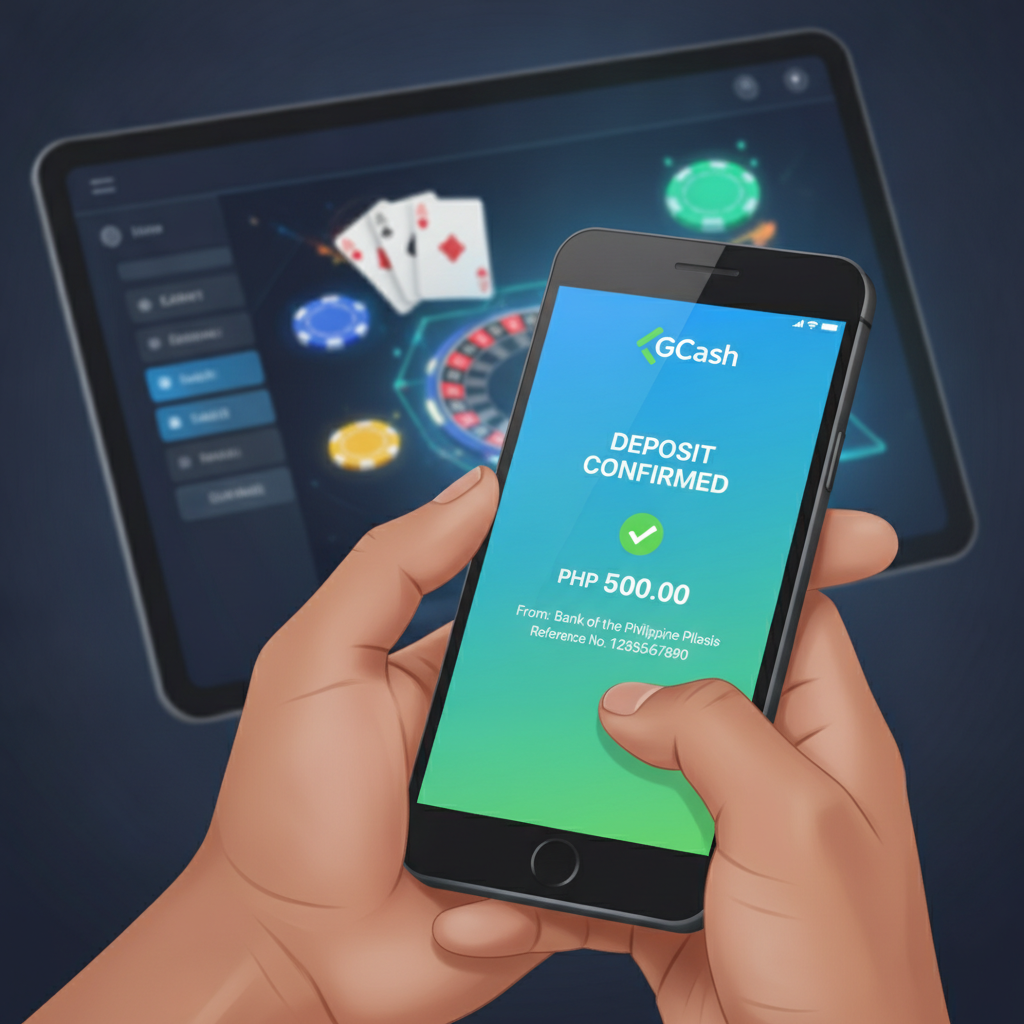
Step-by-Step: Depositing PHP from GCash to Mercedes Play (Mobile)
GCash is one of the fastest ways to load your Mercedes Play account. Most deposits appear in seconds, and you can complete the entire process without leaving the casino app or mobile site. Here's how to send PHP from your GCash wallet to Mercedes Play on your phone.
Before you start, make sure your GCash wallet has enough balance to cover your intended deposit. If your wallet is empty, load it first through a 7-Eleven counter, a GCash partner store, or your linked bank account.
- Log in to your Mercedes Play account
Open the Mercedes Play app or mobile site and tap the login button. Enter your registered phone number or username and password. - Tap the Deposit or Cashier button
Once logged in, look for "Deposit," "Cashier," or a "+₱" icon—usually found at the top right or in the account menu. - Select GCash as your payment method
Mercedes Play typically shows a list of deposit options: GCash, Maya, bank transfer, and others. Tap "GCash." - Enter your deposit amount
Type the amount you want to load in PHP. The platform will show you the minimum and maximum deposit allowed. Most players deposit between PHP 100 and PHP 500 per transaction. - Confirm and proceed
Review the amount and tap "Confirm" or "Proceed." Mercedes Play will redirect you to the GCash payment gateway. - Authorize the payment in GCash
You may be asked to enter your GCash MPIN or use biometric login (fingerprint or face unlock) to authorize the transaction. In some cases, the GCash app will open automatically. If not, you may receive an SMS with a one-time PIN (OTP) to approve the payment. - Wait for confirmation
After you authorize, GCash will process the payment. You should see a success message from GCash within a few seconds. Mercedes Play will then credit your account. - Check your casino balance
Return to the Mercedes Play app or site and check your balance. The deposited amount should appear immediately or within one to two minutes.
If the balance doesn't update right away, wait a few minutes and refresh the page or close and reopen the app. Most GCash deposits to Mercedes Play are instant, but minor delays can happen during peak hours or if the payment gateway is under maintenance.
Minimum GCash Deposit Amount and Daily Limits
Mercedes Play sets minimum and maximum deposit rules to manage transactions and comply with e-wallet policies. These limits apply per transaction and per day.
Minimum deposit: PHP 100
This is the smallest amount you can load in a single GCash transaction. If you try to deposit less, the system will reject it or prompt you to increase the amount.
Maximum deposit per transaction: Usually PHP 10,000 to PHP 50,000
The exact cap depends on your account status and verification level. Newly registered players may see lower limits until they complete ID verification.
Daily deposit limit: Often PHP 50,000 to PHP 100,000
This is the total you can deposit across all transactions in a 24-hour period. If you need to load more, you may need to wait until the limit resets or use a different payment method (such as Maya or bank transfer).
GCash wallet limits:
GCash itself has daily transaction limits based on your verification tier:
- Unverified GCash: PHP 8,000 per month
- Semi-verified (KYC Level 1): PHP 100,000 per month
- Fully verified (KYC Level 2): PHP 500,000 per month
If your GCash account is unverified or only partially verified, you may hit the GCash limit before you reach Mercedes Play's daily cap. To raise your GCash limit, complete the verification process in the GCash app by uploading a valid government ID and a selfie.
How Long It Takes for GCash Deposits to Appear in Your Balance
One of the main reasons Filipino players choose GCash for online casino deposits is speed. In most cases, your Mercedes Play balance updates instantly—within 5 to 30 seconds after GCash confirms the payment.
Typical processing time: Instant to 2 minutes
Once you authorize the payment in the GCash app or via SMS OTP, the funds move from your GCash wallet to Mercedes Play's merchant account. Mercedes Play's system then credits your casino balance automatically.
Occasional delays: 2 to 10 minutes
During high-traffic periods—especially evenings, weekends, and the 15th and 30th of the month (payday)—you may experience short delays. The payment gateway or Mercedes Play's server may be handling a surge of transactions.
What to do if it takes longer than 10 minutes:
Check the troubleshooting steps in the next section. Delays beyond 10 minutes are uncommon and usually indicate a technical issue or incomplete authorization.
If you're in a hurry to place a bet or join a live dealer table, GCash is still the fastest option. Bank transfers via InstaPay and PESONet, while reliable, can take 15 minutes to several hours.
Troubleshooting: Amount Deducted from GCash but Not Credited to Mercedes Play
This is the most frustrating deposit issue: your GCash balance drops, but your Mercedes Play balance stays the same. Here's what to check and how to resolve it.
1. Wait 10 to 15 minutes first
Sometimes the deduction from GCash happens instantly, but the credit to Mercedes Play lags by a few minutes. Wait at least 10 minutes, then refresh your casino balance or log out and back in.
2. Check your GCash transaction history
Open the GCash app and tap "Transaction History" or "Activity." Look for the most recent payment to Mercedes Play or a merchant name that matches the casino's payment processor. Confirm the transaction shows as "Successful" or "Completed," not "Pending" or "Failed."
If the status is Pending, the payment is still being processed. Wait up to 30 minutes. If it stays pending longer, the transaction may time out and reverse automatically—your money will return to your GCash wallet.
If the status is Failed, the payment did not go through. Your GCash balance should not have been deducted. If it was, contact GCash customer service to report the failed transaction.
3. Verify the deposit on Mercedes Play
Log in to Mercedes Play and check your transaction or deposit history (usually found in the Cashier or Account section). If the deposit appears there with a "Pending" or "Processing" status, it means Mercedes Play received the payment request but hasn't yet credited your balance. Wait a bit longer or proceed to the next step.
If the deposit does not appear in your Mercedes Play history at all, the payment may not have reached the casino. Proceed to step 4.
4. Screenshot your GCash receipt
Take a clear screenshot of the successful transaction in your GCash app. Make sure it shows:
- Transaction date and time
- Amount in PHP
- Merchant or recipient name
- Transaction reference or confirmation number
You will need this if you contact support.
5. Contact Mercedes Play customer support
Reach out to Mercedes Play's support team via live chat, email, or the in-app help button. Provide:
- Your registered mobile number or username
- The amount you tried to deposit
- The date and time of the transaction
- Your GCash transaction reference number
- The screenshot from step 4
Support will investigate and manually credit your account if they confirm the payment was received. This process can take anywhere from a few minutes to 24 hours, depending on the support team's availability.
6. Contact GCash if the issue persists
If Mercedes Play support cannot locate your payment and you're certain the money left your GCash wallet, contact GCash customer service through the app (tap the chat icon) or call their hotline. Explain that a payment to an online merchant was deducted but not delivered. GCash can trace the transaction and, if necessary, initiate a refund or help escalate the issue with the merchant.
Preventing future issues:
- Keep your Mercedes Play app updated.
- Use a stable internet connection (Wi-Fi or strong mobile data) when depositing.
- Avoid closing the browser or app while the payment is processing.
- Double-check that you selected the correct payment method and entered the right amount.
21+ Only, Gamble Responsibly
Mercedes Play is intended for players aged 21 and over. Online gambling involves real money and real risk. Only deposit what you can afford to lose, and never chase losses or borrow money to gamble.
If you feel your play is becoming a problem, reach out to a responsible gambling support organization or use the self-exclusion and deposit limit tools available in your Mercedes Play account settings. GCash deposits are fast and convenient, but that speed also means it's easy to spend more than you planned. Set a budget before you load your account, and stick to it.